Mobile View (View on Mobile Phone)
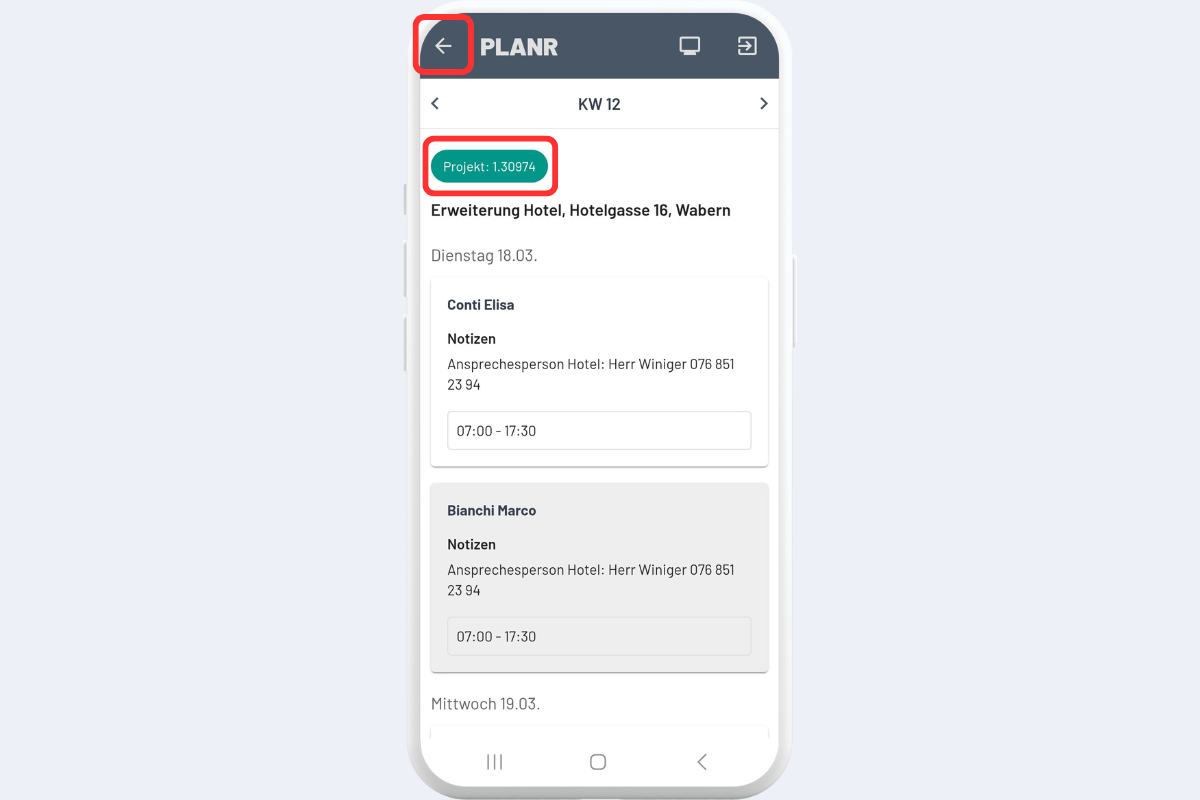
All employees can view their own scheduling entries on their mobile phones, also called Mobile View or Mobile Ansicht. First, select for whom the scheduling entries should be displayed; usually, select your own name here (see Fig. Mobile View - Home Page, outlined in red).
The current calendar week is displayed, and the scheduling entries are sorted by weekdays – Monday at the top, Friday at the bottom. The Order Number is shown in the colored button and can be used later for reporting.
In addition to projects, services, and absences, this view also displays the work equipment assigned to the employee for the respective day. In contrast to projects, service orders, and absences, which can also include specific time indications, work equipment appears here without a time indication but is visible as an all-day entry for the respective day.
If a scheduling entry is selected (see Fig. Mobile View - Home Page), further details are displayed (see Fig. Mobile View - Scheduling Details).
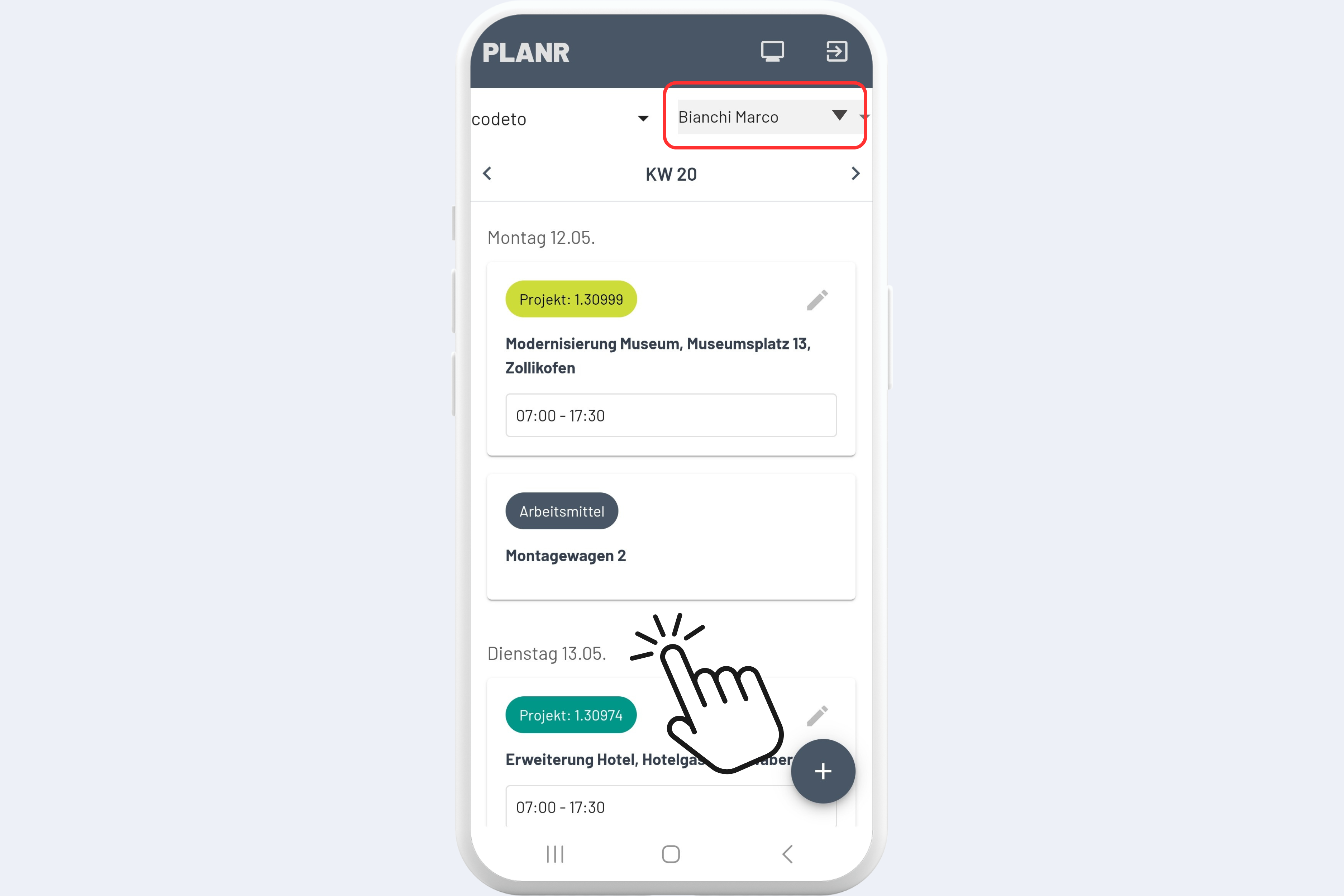
This example shows the view of Marco Bianchi. He sees that he is scheduled for the project "Expansion Hotel..." on Tuesday, March 18th, together with Elisa Conti.
The navigation at the top left leads back to the home page (see Fig. Mobile View - Scheduling Details, outlined in red).
If the project (colored button) is selected, more details specific to this project open, such as project manager, duration, and project notes.