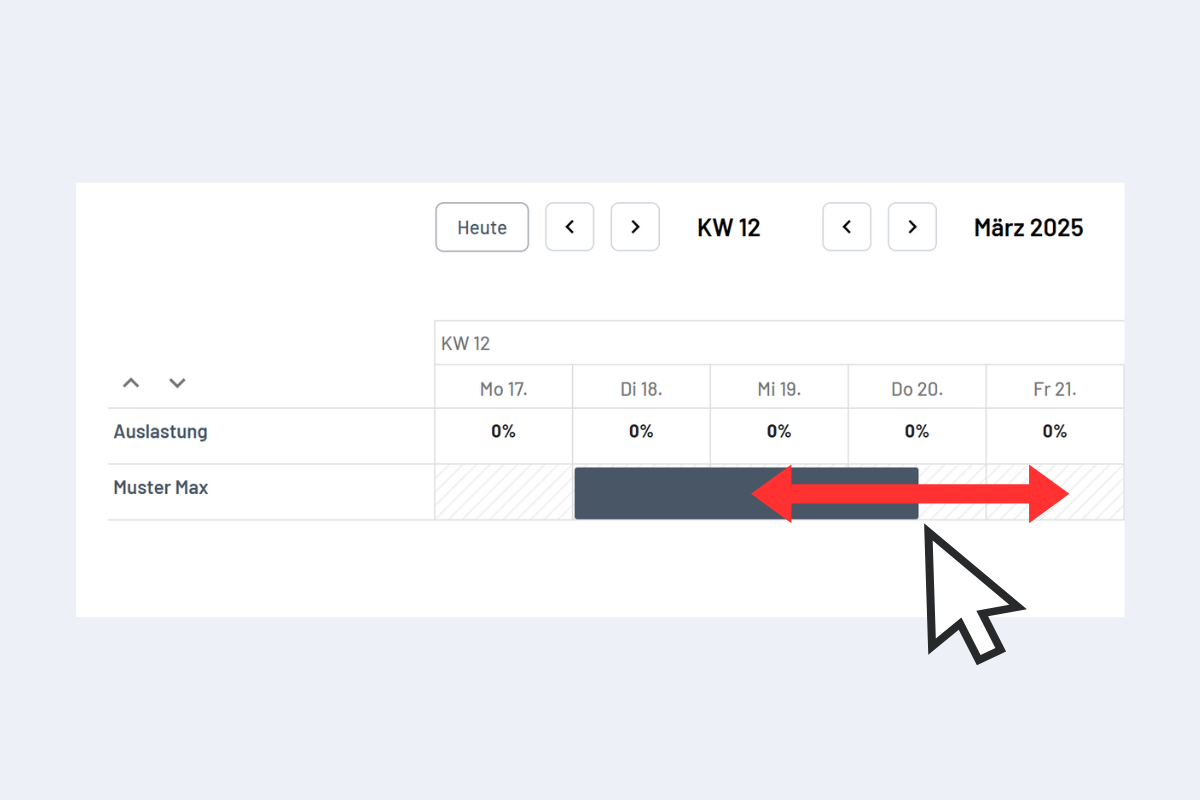
Create New Disposition
To create a new disposition, drag a bar over the desired time window while holding the left mouse button (see Fig. Create Disposition with Drag & Drop). After releasing the mouse button, a window appears where the disposition can be created.
Alternatively, a disposition can also be created by double-clicking on the desired period.
The window that opens differs depending on the view (Employees, Projects, Service, Absence, or Work Equipment). More information on the respective views and functions can be found in the chapters Employees, Projects, Service, Absence, and Work Equipment.