Manage Filters
The filter function in planr allows creating specific views for employees, projects, services, absences, and equipment.
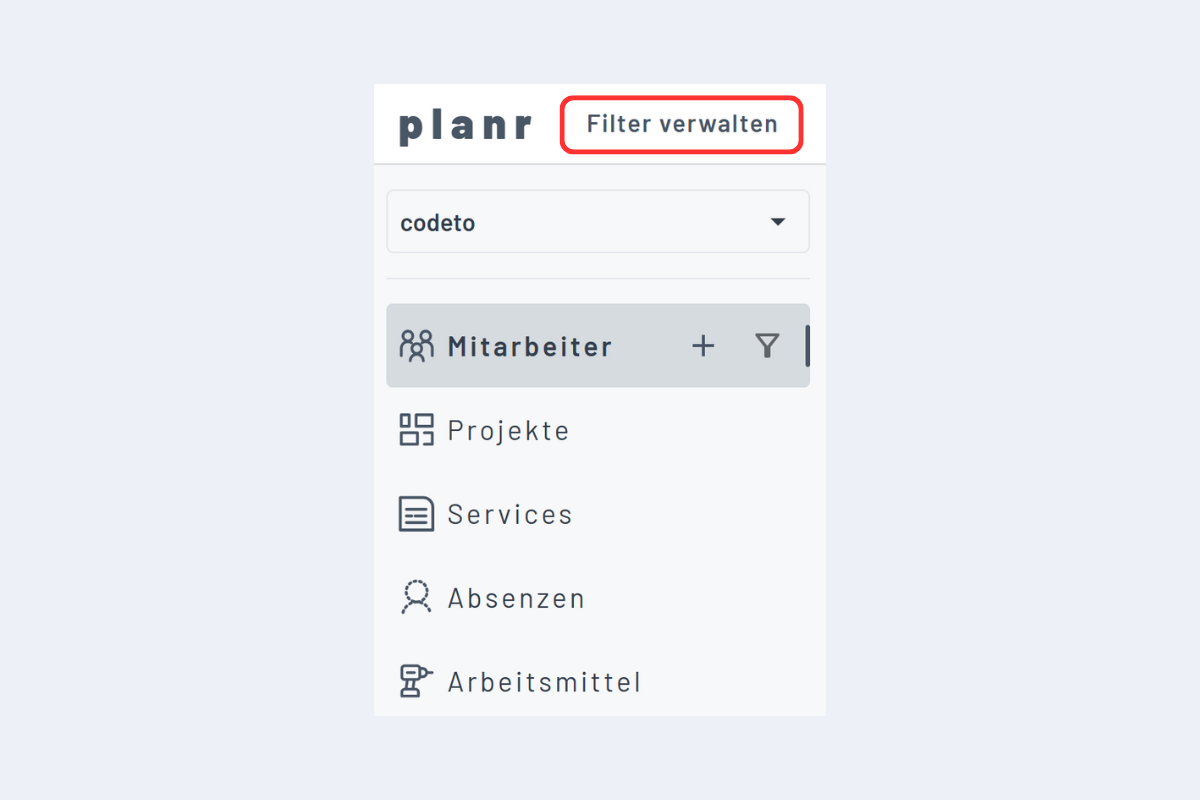
Clicking Manage Filters (see Fig. Manage Filters) opens the menu to manage filters (see Fig. Manage Filters Menu).
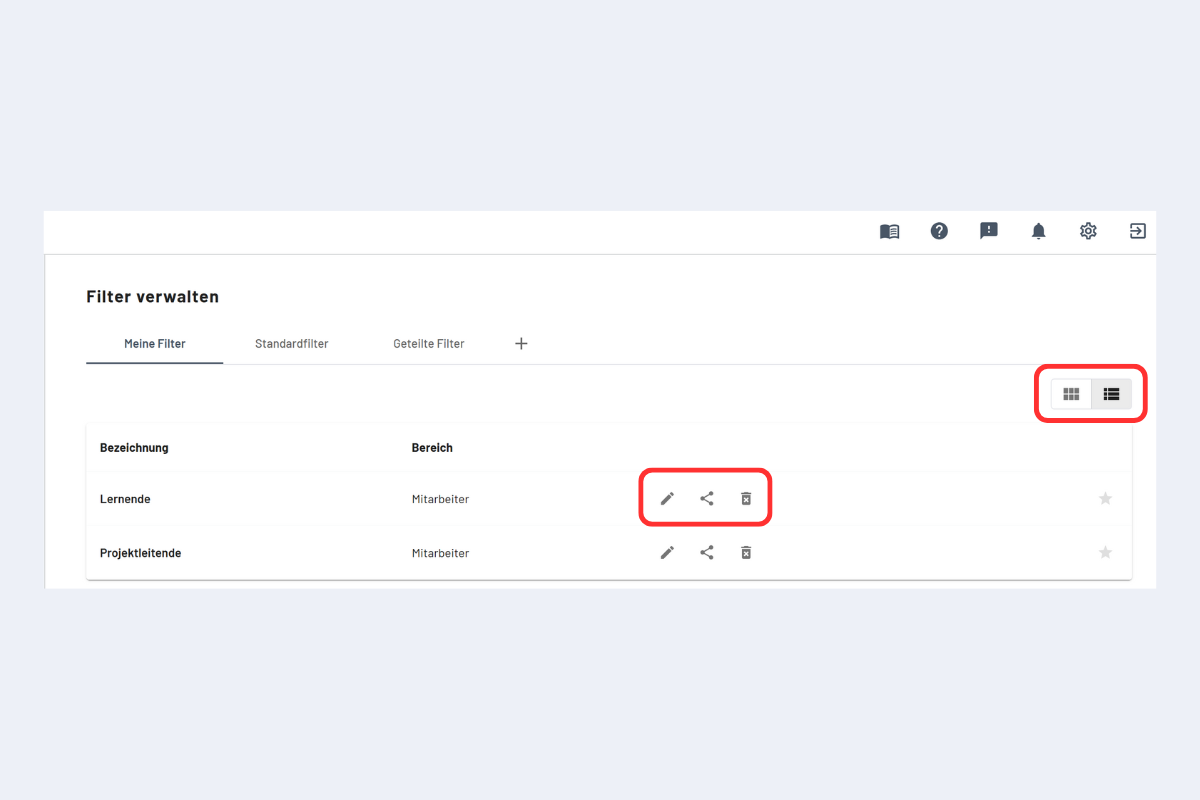
In the Manage Filters menu, three categories of filters are visible:
- My Filters: Individually created filters available only for your own view.
- Standard Filters: Predefined filters by planr.
- Shared Filters: All filters shared by other users. To customize a shared filter individually, click the copy icon. The filter is automatically saved under "My Filters" and can be edited there.
Custom filters can be edited, shared, or deleted (see Fig. Manage Filters Menu, center and outlined in red).
The filters can be displayed either as a List or as Tiles (see Fig. Manage Filters Menu, outlined in red at the top right).