Share filter
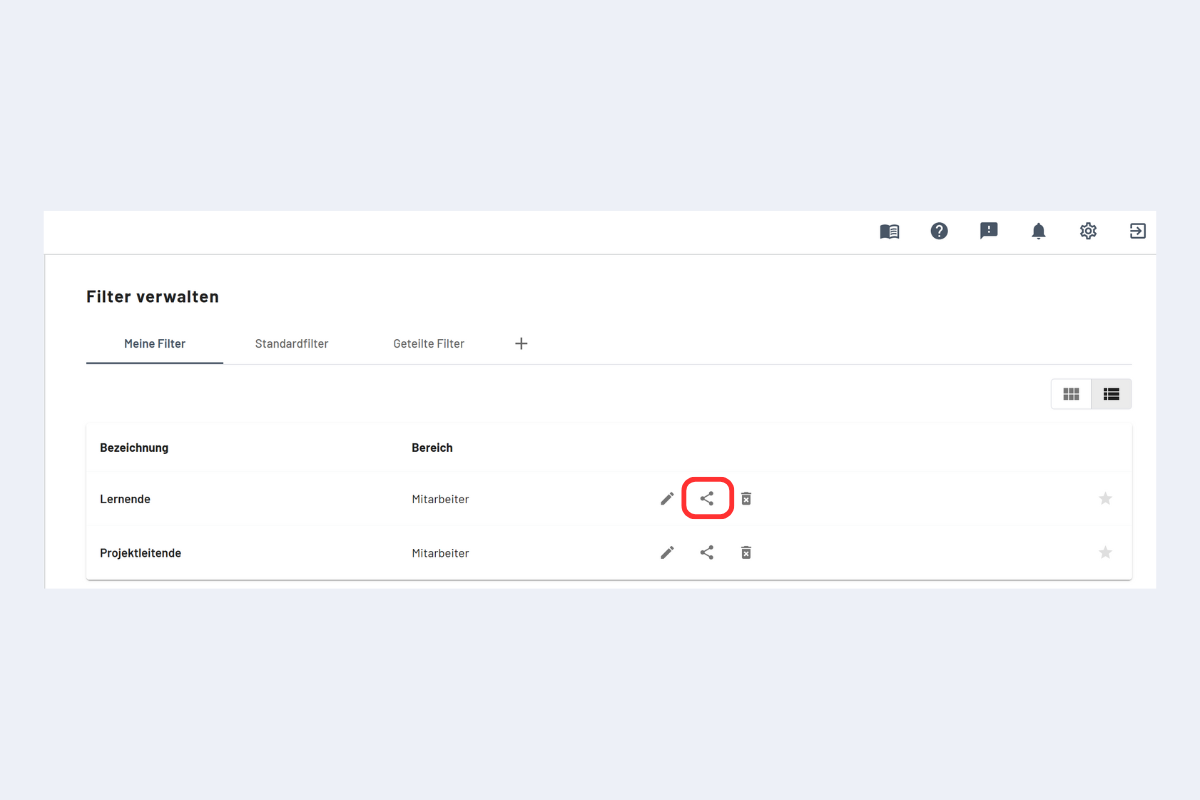
When you share your own filter there are two permission levels:
- Read and write access
- Read-only access
tip
Caution when someone leaves: if the creator leaves the company and the filter was shared read-only, you may run into limitations. Best: switch rights to write access in advance or ask a colleague to share the filter (with write access). If it's already too late, please contact support.
Once you click "Share", the filter appears for the selected person in Filter management under "Shared filters".
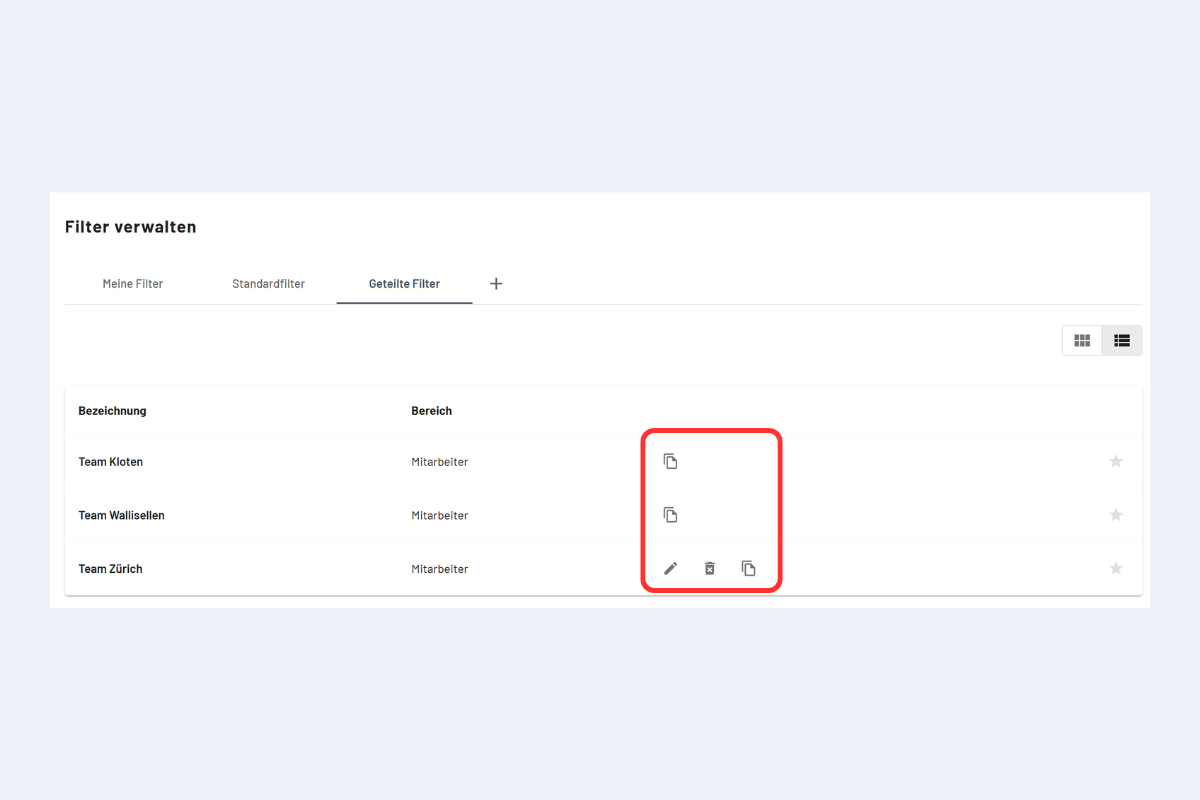
How to recognize the permission level of a filter shared with you:
- Read-only: only the copy icon is visible.
- Read and write: the edit and delete icons are also visible.
note
Shared filters and permissions:
- With write access: a shared filter can be edited directly. Note: changes also affect the person who shared it with you.
- Change only for yourself: if changes should stay local, create a copy (copy icon). The copy appears under "My filters" and can be edited there.
- With read access: direct editing is not possible. Create a copy; it appears under "My filters" and can then be edited.