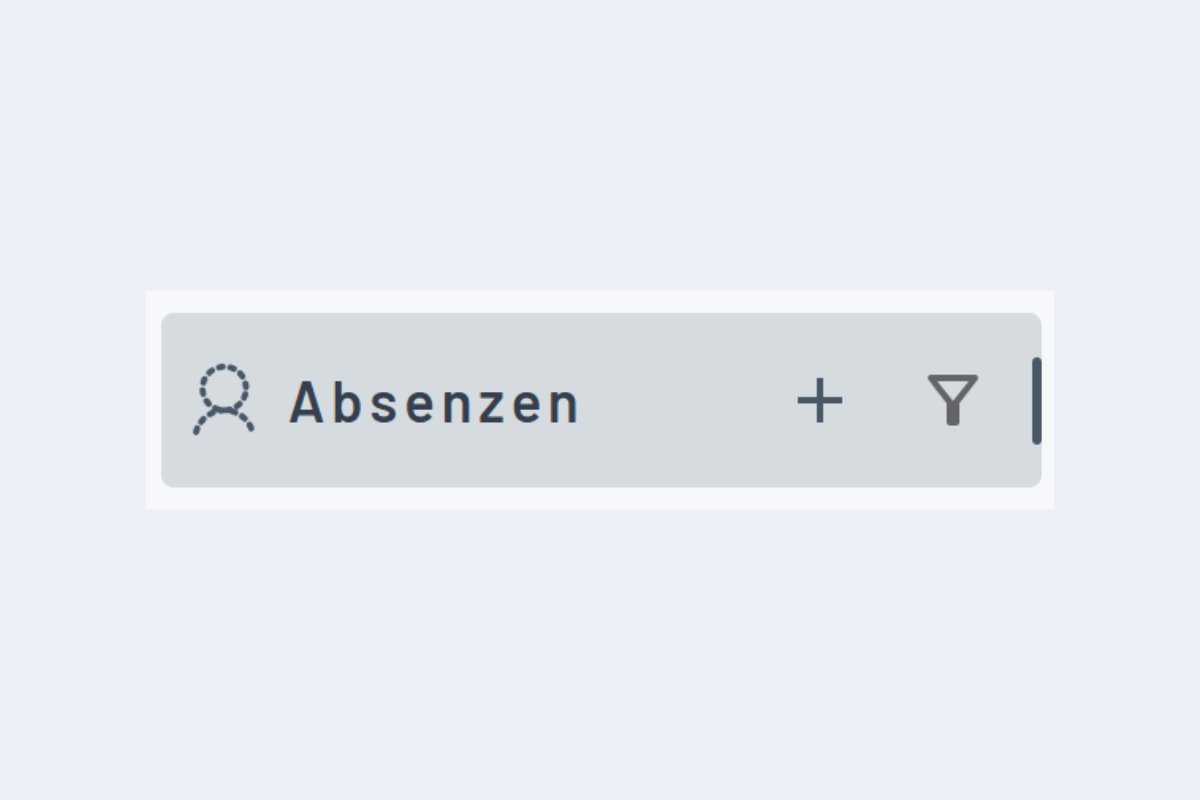
Create New Absence
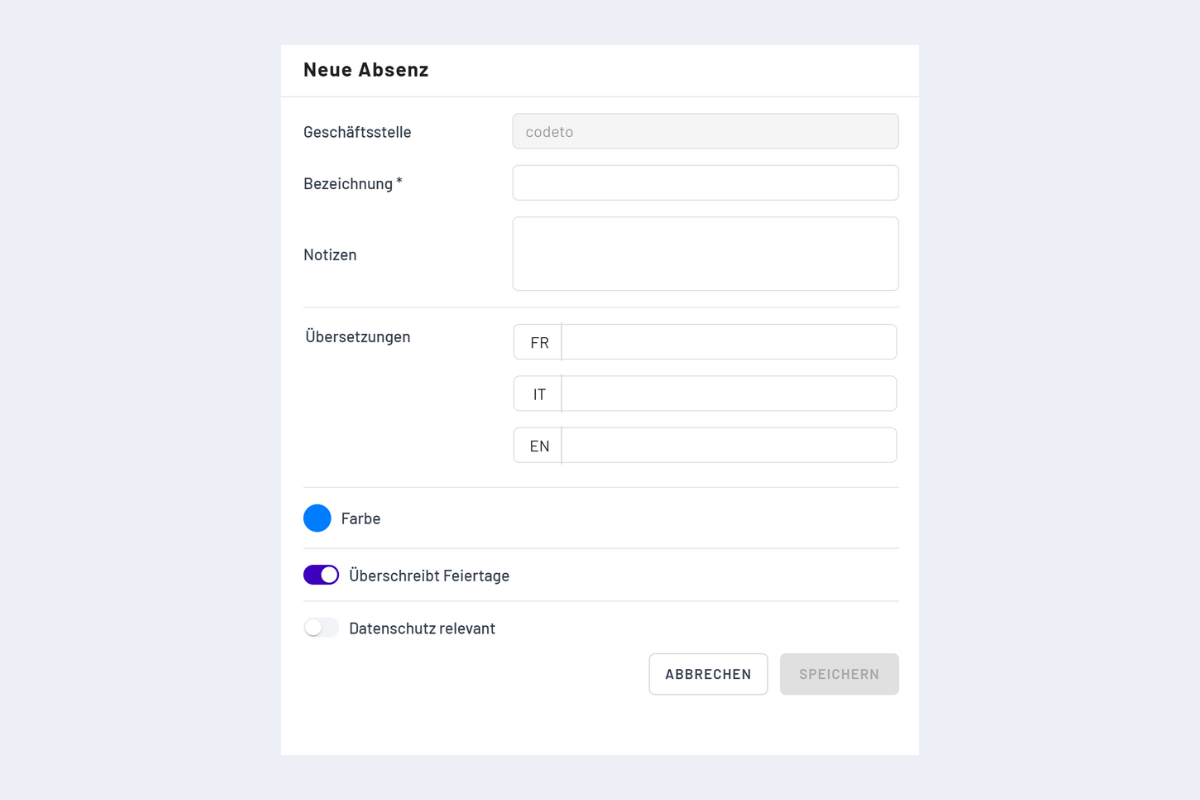
New absences can be manually created using the plus sign (see Fig. Create New Absence). A window opens to enter the specifications (see Fig. Create New Absence Window).
- Branch: Set automatically.
- Name: (mandatory field)
- Notes: Additional information
- Translations: If translation is desired.
- Overrides Holidays: No function yet.
- Data Protection Relevant: All users with read access will only see the entry "Absence" for an absence booking of this type, without description and details.