Absence Details
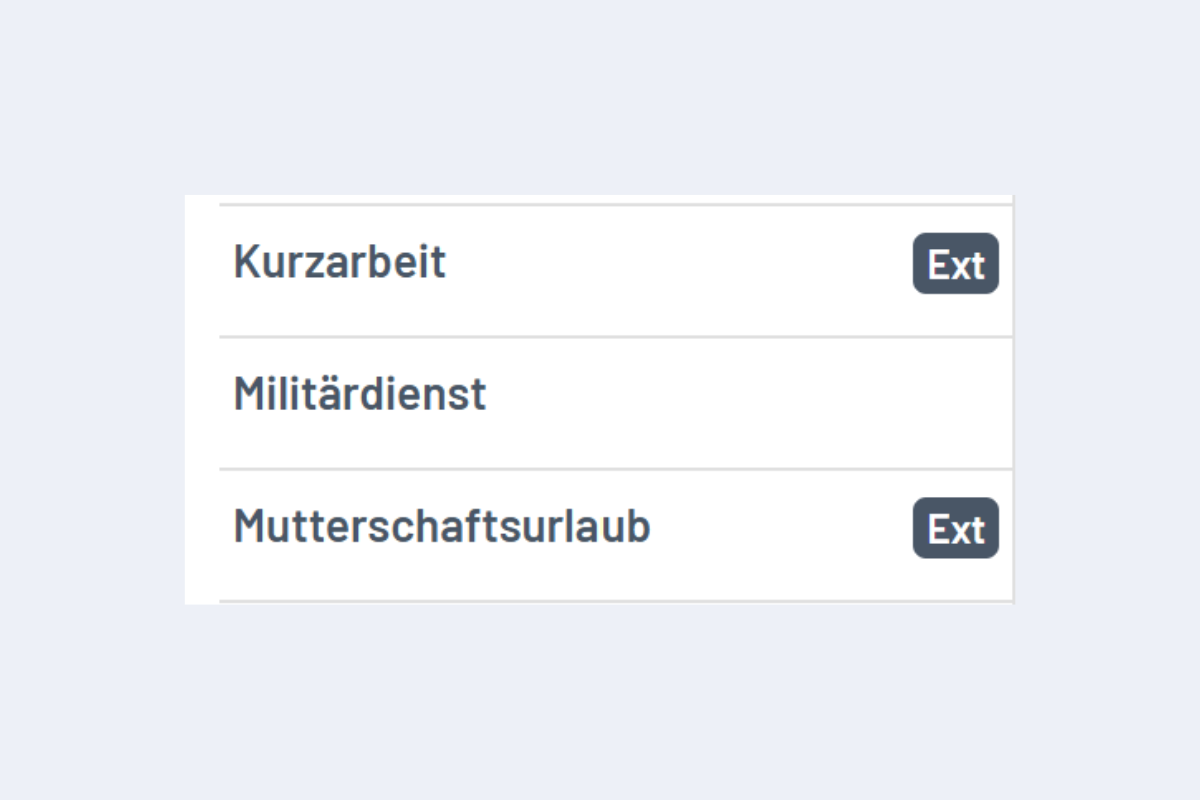
For Enterprise customers with an interface: Absences with the suffix "Ext" are automatically read into planr from the ERP (see Fig. External Absences). Absences without "Ext" were created directly in planr. If an external absence is imported into planr while a manually entered absence already exists for the employee for the same period, a double booking occurs. The affected absence is marked red in the Absences view and must be manually edited.
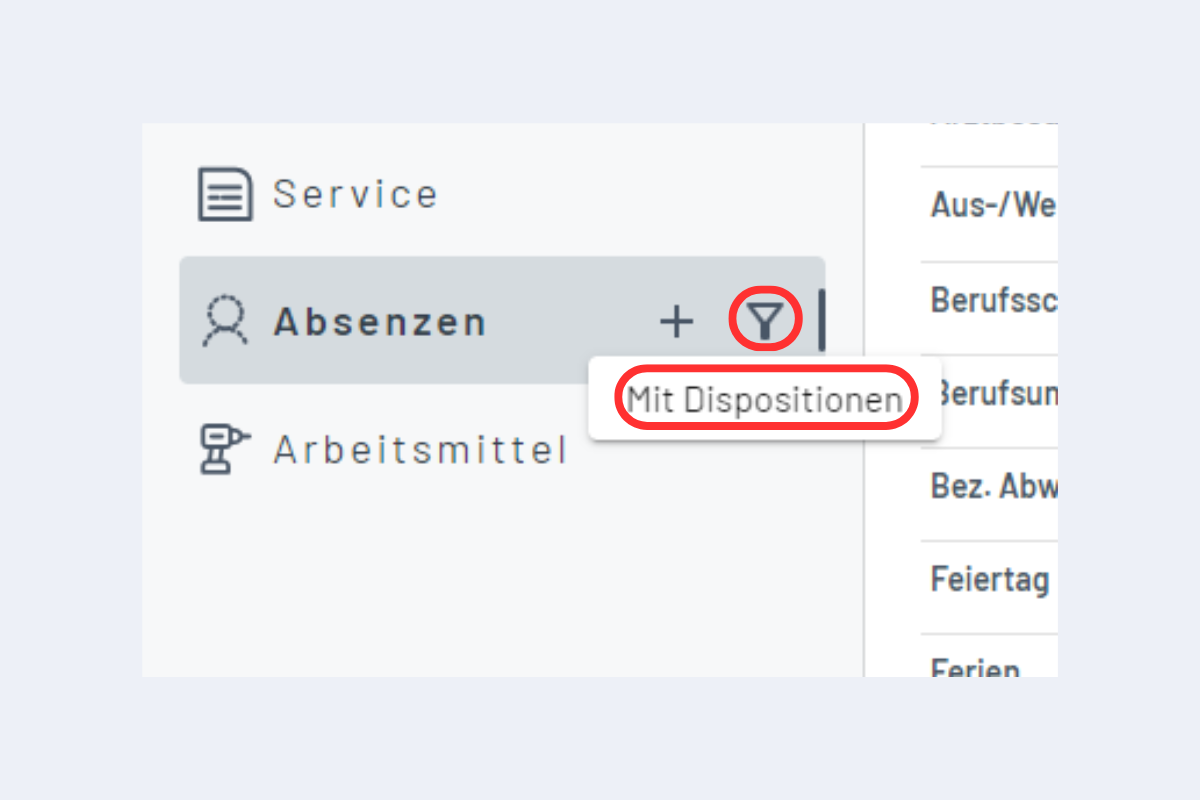
Since many absences are sometimes used, but not all contain bookings, you can click on the filter icon and then select "With Dispositions" to display only those absences that contain bookings (see Fig. Filter Absences).