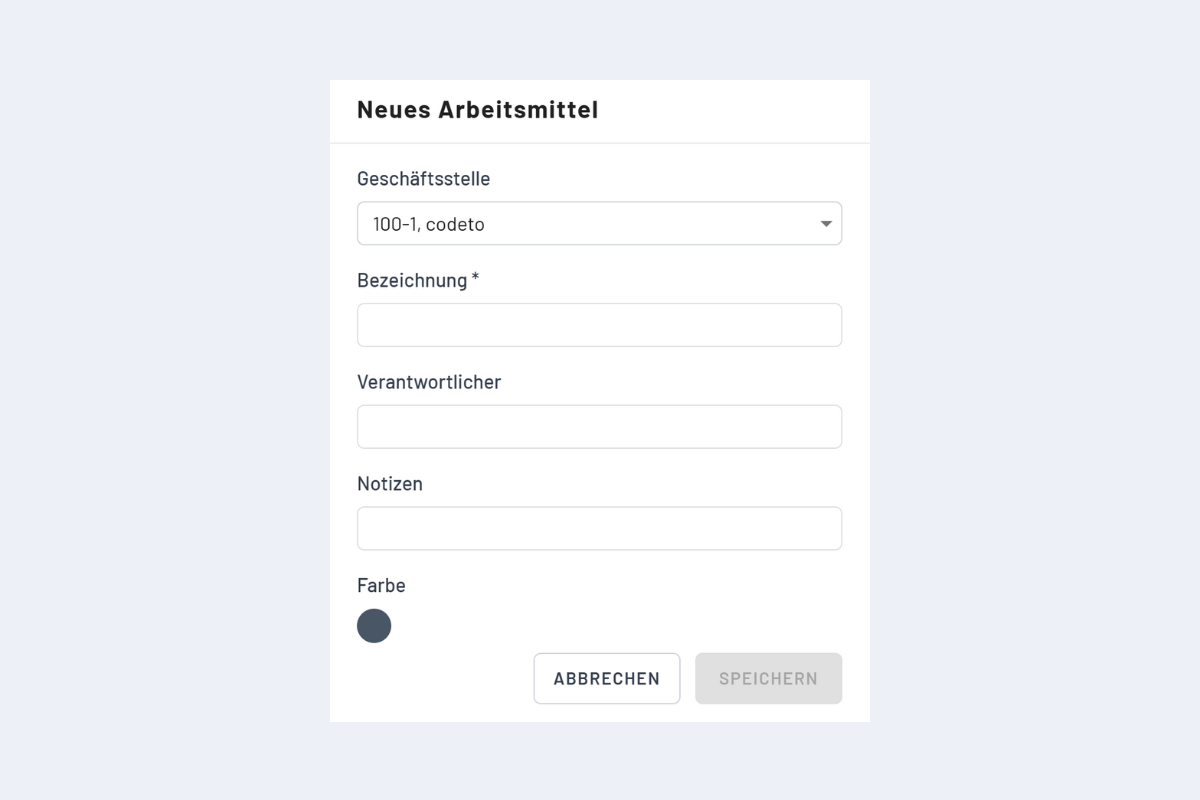
Create New Equipment
Equipment is currently standalone, meaning it can be created and assigned to an employee. However, this information is not displayed in the employee view but is only visible in the equipment view.
If equipment should also appear in the employee view, we currently recommend creating it as an "employee" and then dispatching it accordingly to projects or services.
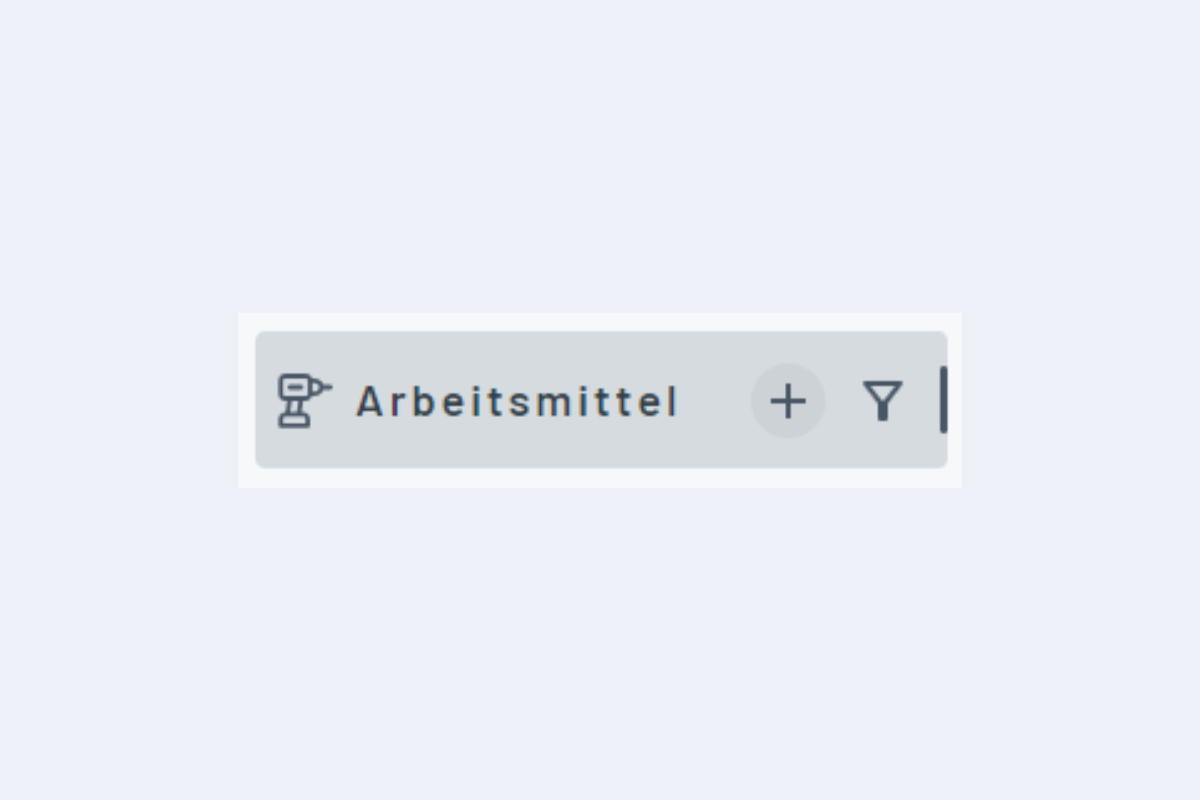
Equipment can be created manually using the plus sign (see Fig. Create New Equipment). A window opens to enter the specifications (see Fig. Window Create New Equipment).
- Branch: Set automatically.
- Description: Mandatory field.
- Responsible Person: If a responsible person is assigned, this information is visible when clicking on the name of an existing dispatch. Equipment can be filtered by the responsible person to allow better allocation by location or department. Equipment can only be assigned to one person at a time.
- Notes: Additional information.