Import interface
This function is aimed at Enterprise customers who already use an external system to manage absences. The import interface automatically transfers absence data from external systems into planr.
How it works
The interface transfers two types of information:
- Absence types: categories such as vacation, illness, training, etc.
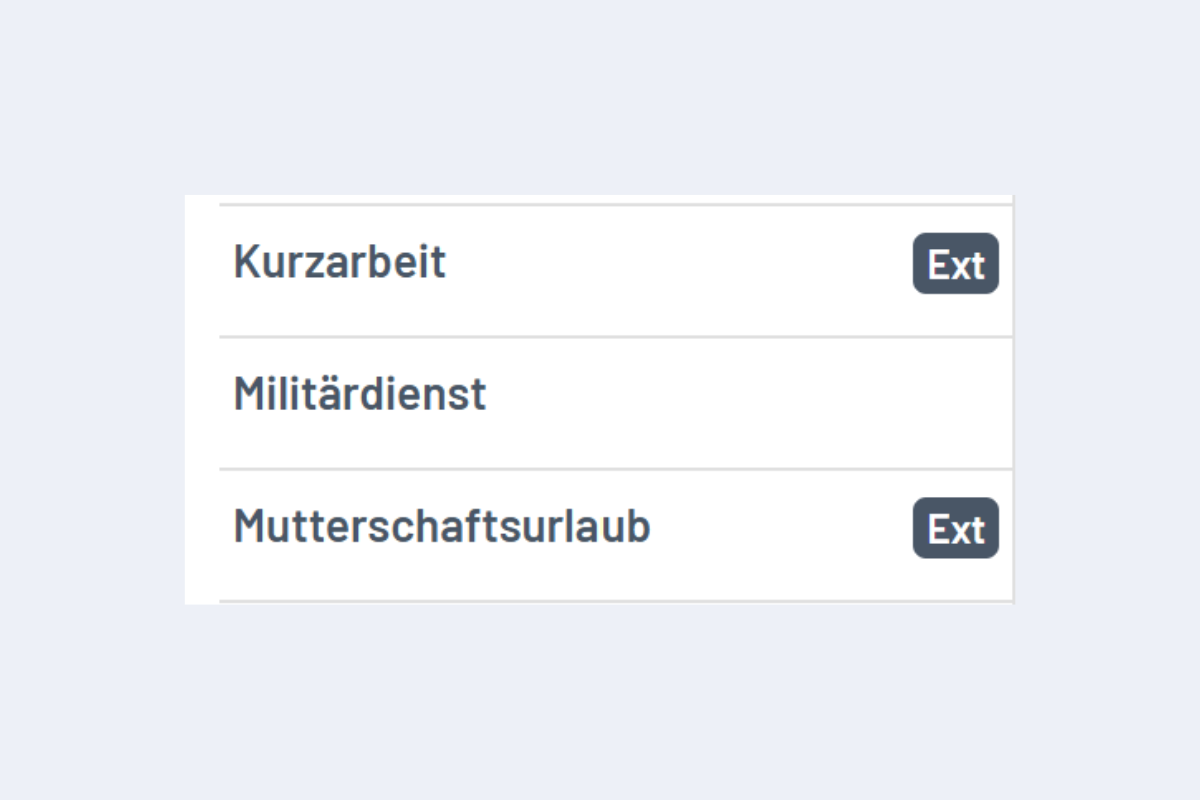
External absences are always marked with “Ext” in planr.
- Absence dispositions: specific absences with date, duration, and status.
When an absence is imported into planr, the following information is transferred automatically:
- Employee ID
- Absence type (e.g., vacation, illness)
- Branch and subsidiary
- Date and duration of the absence
- Notes and additional information
- Status of the absence (confirmed, requested, rejected, canceled)
Status of absences
Absences are imported with the status from the external system:
- Confirmed: approved and final
- Requested: requested but not yet approved
- Rejected: rejected
- Canceled: canceled
Confirmed absences can no longer be edited in planr because they are managed by the external system.
Conflicts for imported absences
If an external absence is imported while a booking already exists for the same period, a conflict is created. The entry is marked in red. If an employee is affected, the employee row is also highlighted in red.
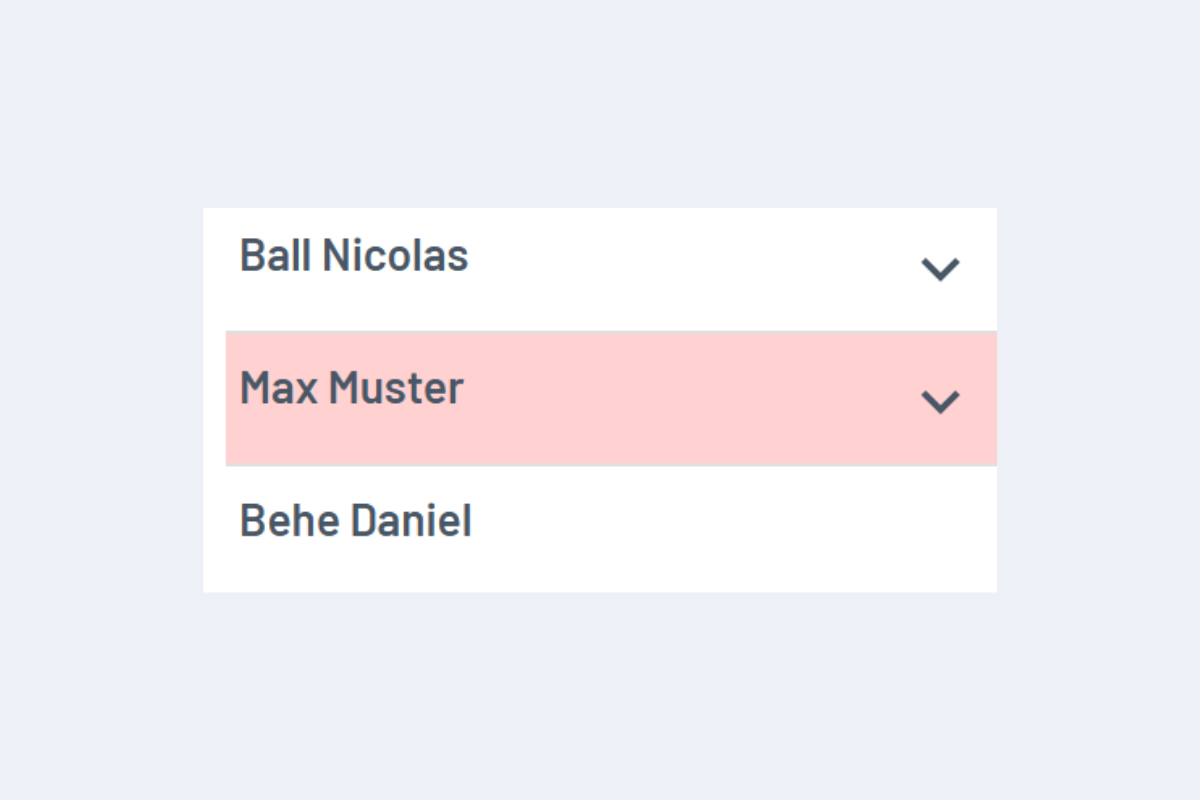
How to resolve the conflict:
- Delete existing bookings in planr for that period so only the imported absence remains.
- Or delete the absence in the external system if you do not want it imported.
Automatic scheduling
The interface is usually set up and managed by external partners. For configuration questions, contact your IT administrator or the planr team.