Applying the Filter
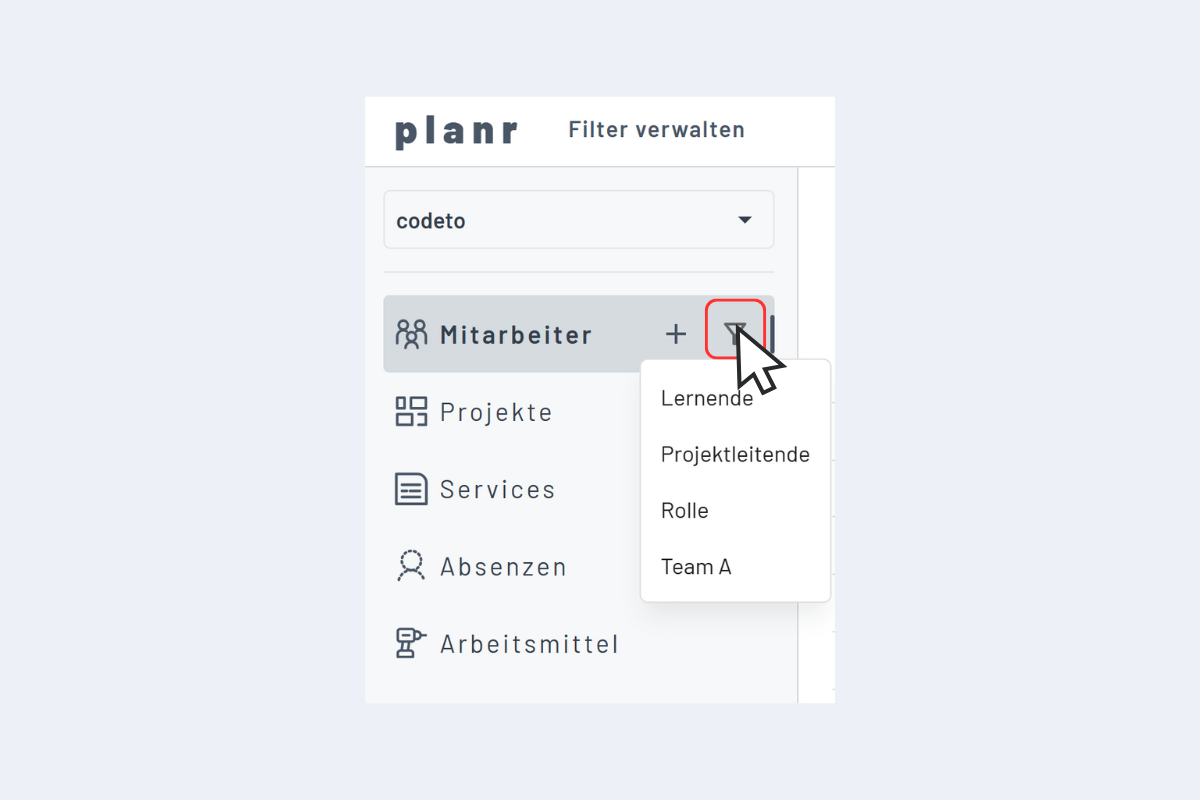
A click on the filter icon shows all available filters in the current view (see Fig. Apply Filter).
If one is selected, it is active.
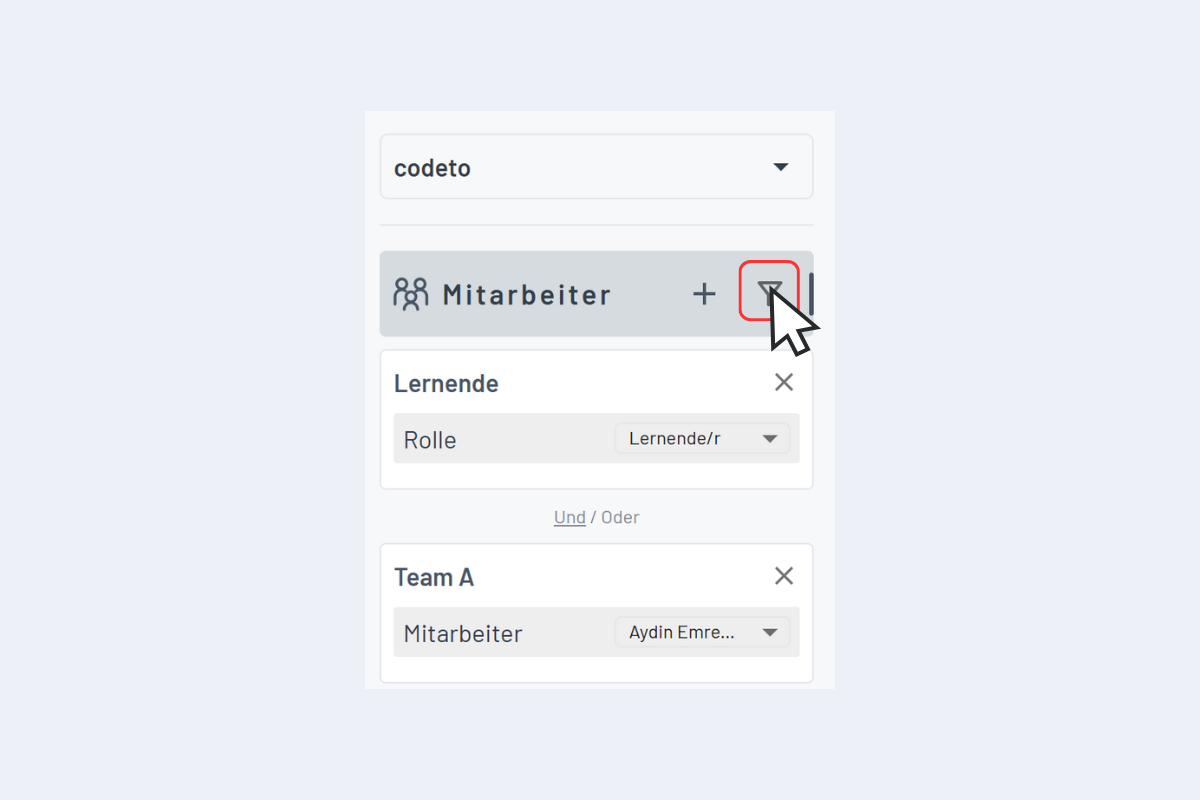
If a filter is active, another one can be added (see Fig. Apply Filter - Multi-level). Using AND/OR, the desired results can be specifically filtered out.
In this example, all apprentices from Team A are now shown.