Personal settings
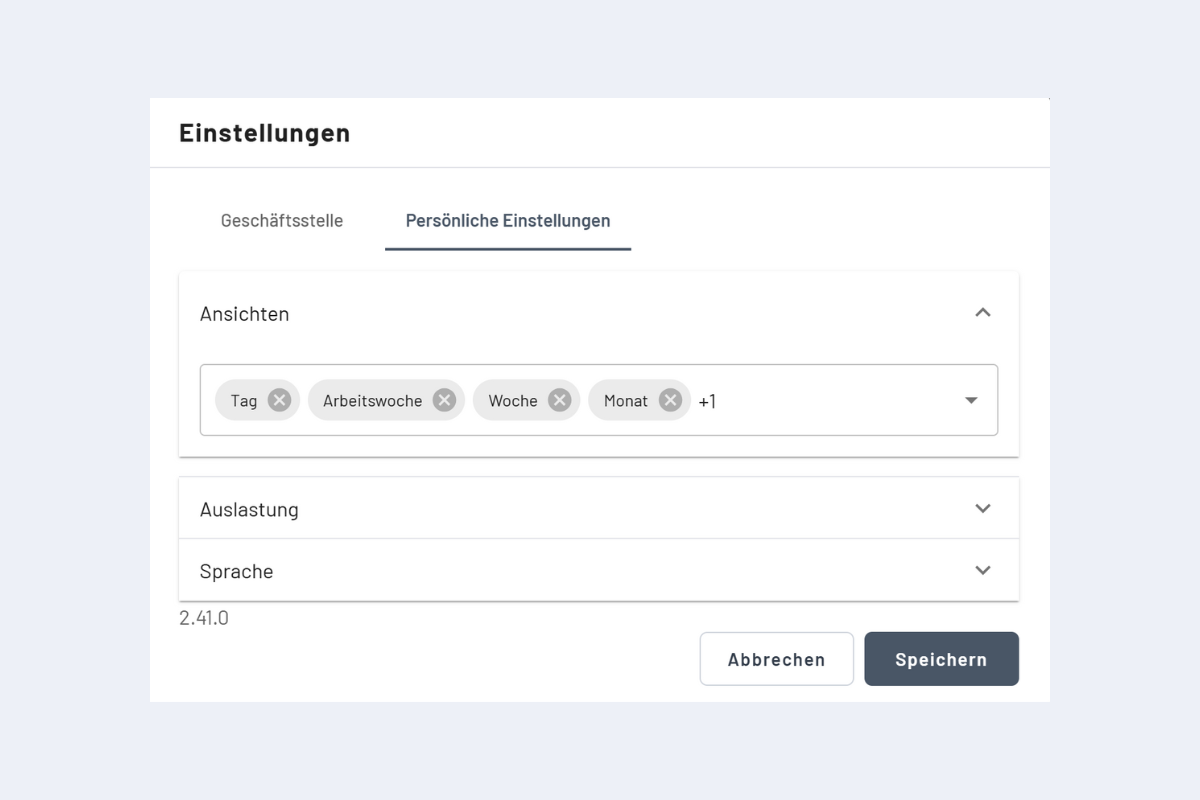
There are three areas: views, utilization control, and language.
Views
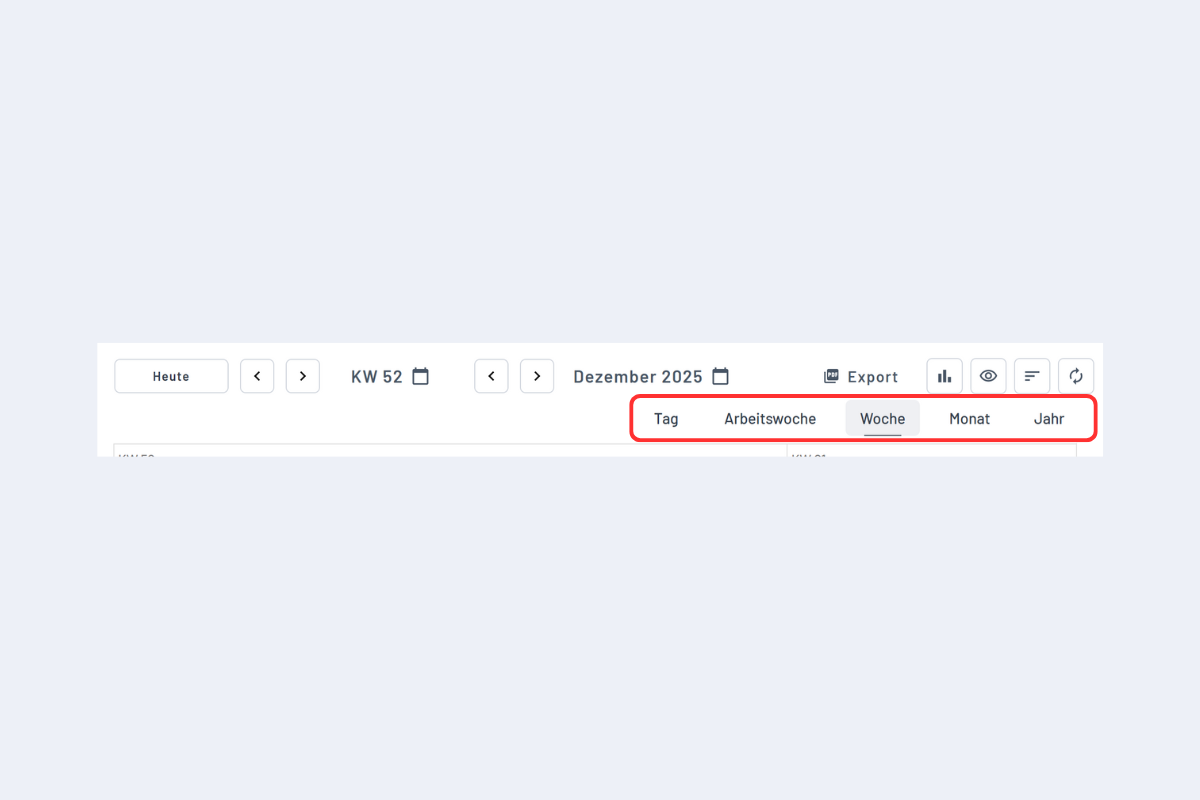
Your choice here affects your favorite views. You can open these favorites directly in planr.
Utilization control
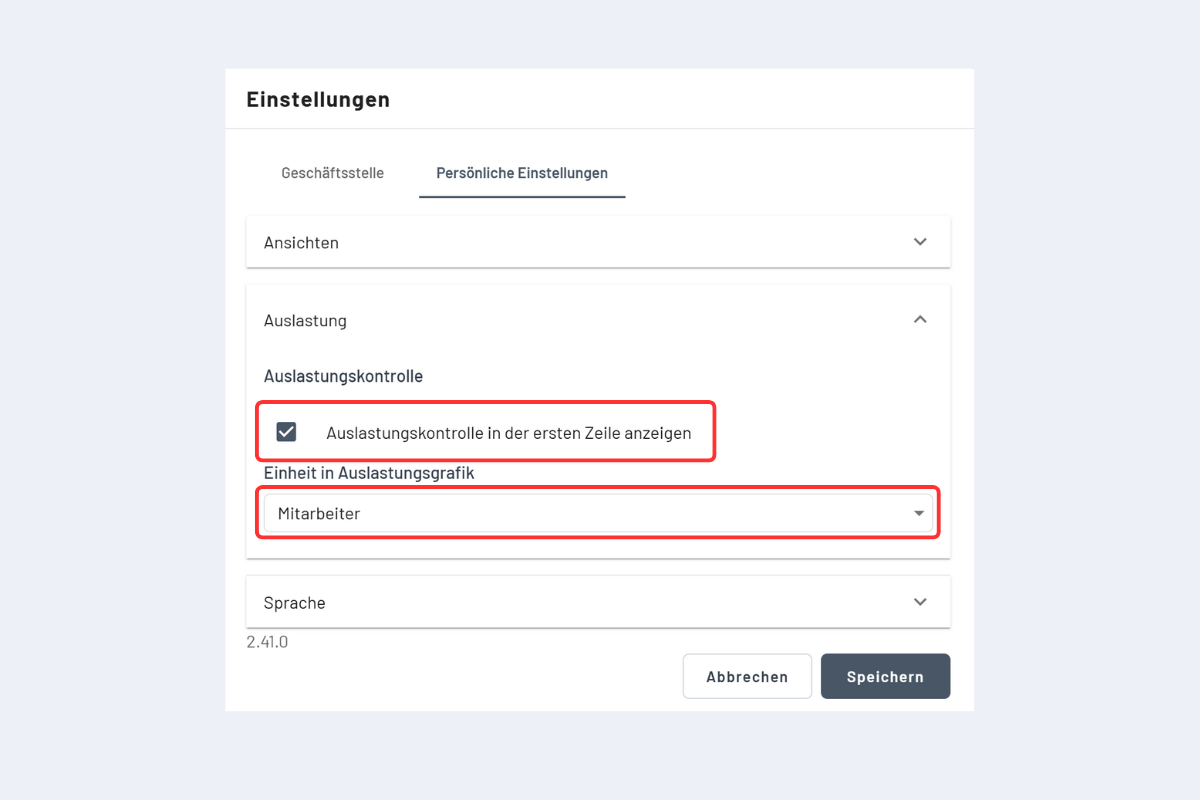
- Show utilization in the first row: activates utilization in the top row of employee, project, and service views.
- Unit of the utilization graph: choose whether utilization is shown in “Employees” or “Hours”.
Note
The first-row display only appears if the search option “Also search hidden objects” is deactivated. If it is active, utilization in the first row is not shown.
Language
You can change the language in personal settings.
The default language comes from the browser. You can override it in the web UI. After you save, all fields and the whole UI switch to the new language.