Search
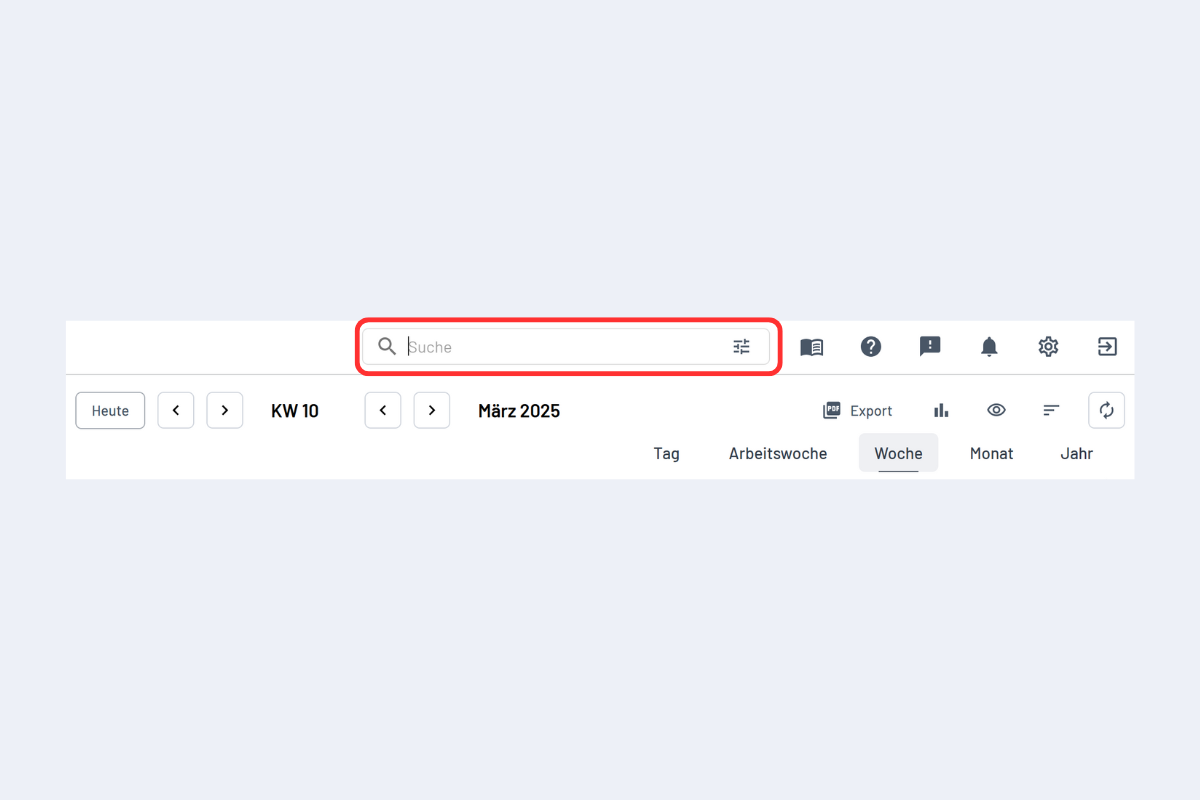
The search field at the top of planr lets you find terms (see Fig. Search).
Most convenient: search for people in the employee view and for projects in the project view. You can enter any term.
Example: searching for a person in the project view lists all projects linked to that person – via a dispatch, as project lead, or mentioned in notes.
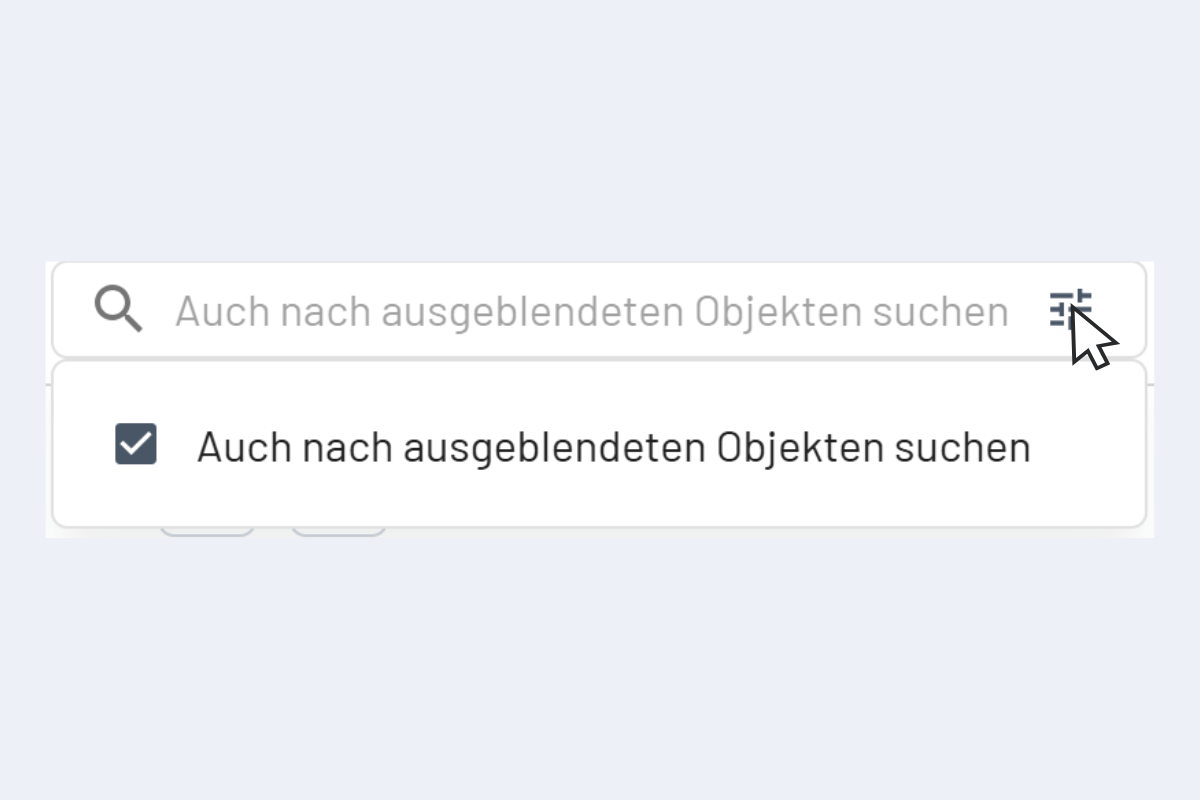
You can also search hidden objects. More in Hide and show employees.