Guide & Feedback
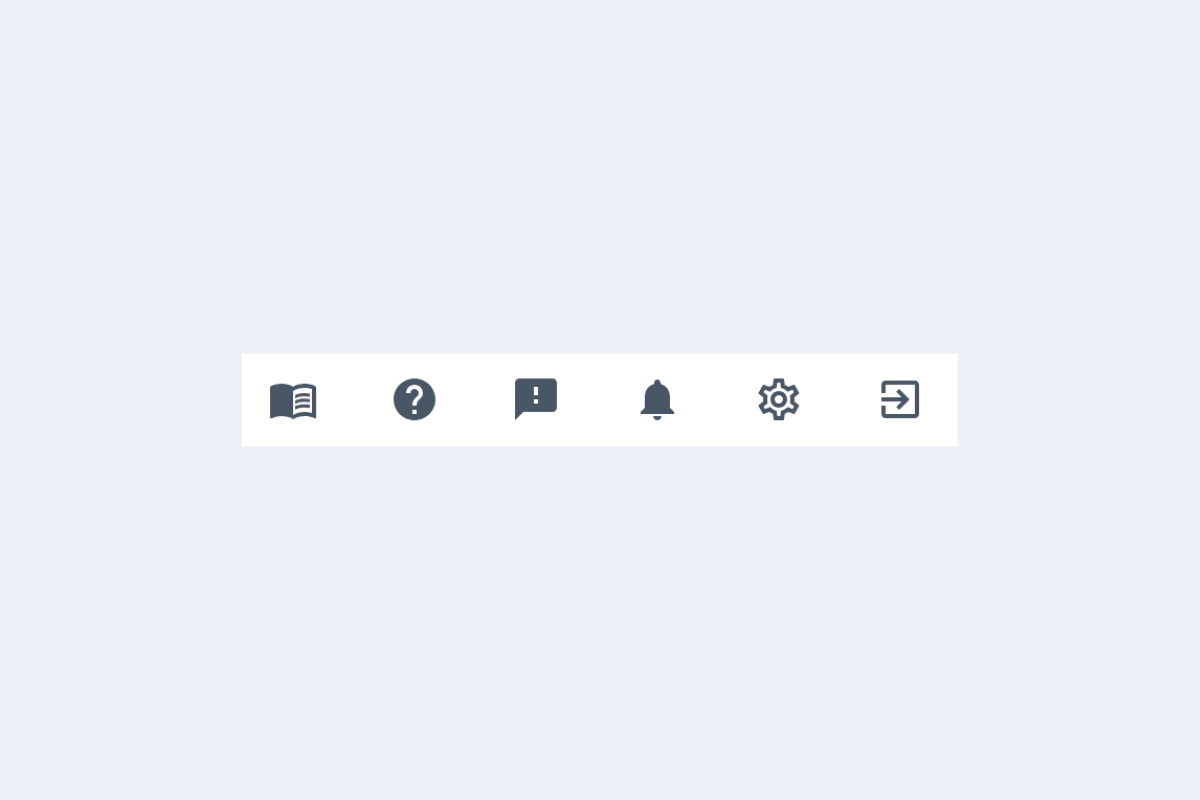
In the top right of planr, there is a toolbar (see Fig. Toolbar...). The book opens the guide, the question mark opens the quick start guide, the speech bubble is for sending feedback, the bell shows updates and related info, the gear opens the settings, and the window with an arrow is for logging out.
Guide
Clicking the book icon opens this guide. Clicking the question mark icon downloads the quick start guide as a PDF.
Feedback
Clicking the speech bubble automatically opens an email, allowing you to send us feedback directly.