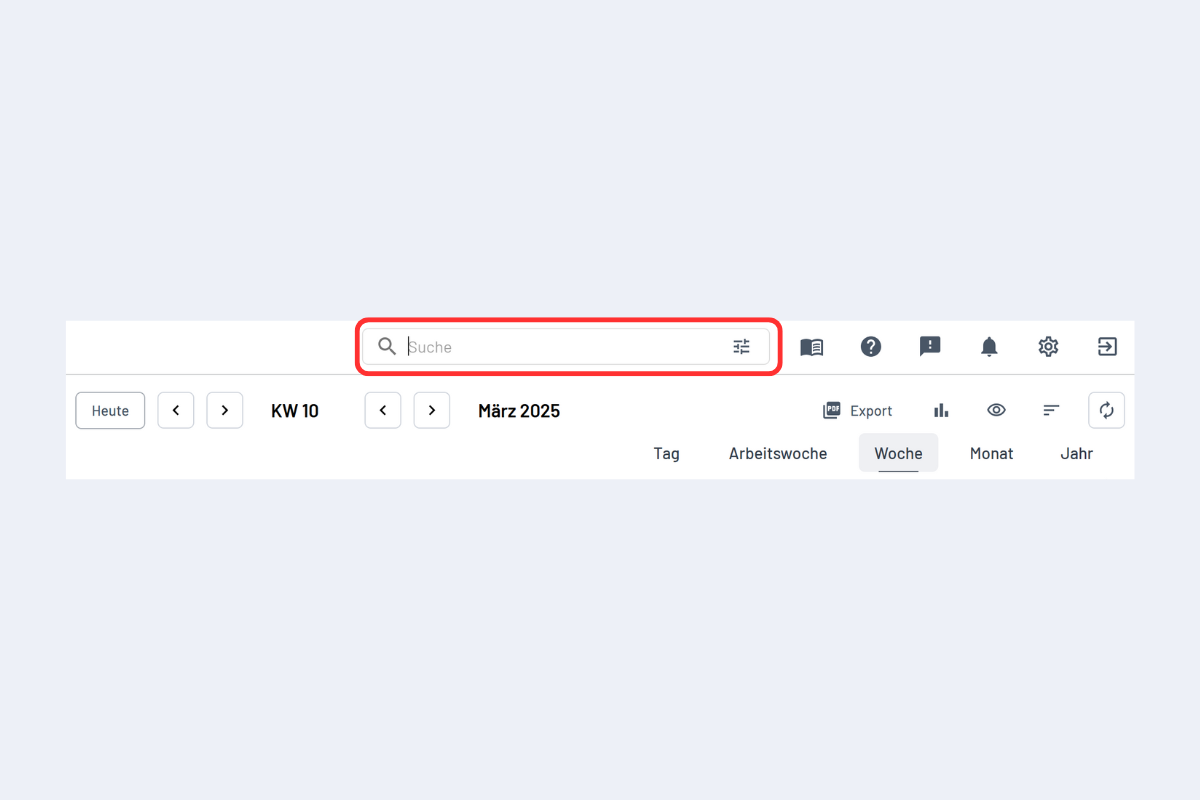
Search Function
At the top of planr, there is a search field where terms can be searched for (see Fig. Search Function).
The easiest way is to search for employees in the Employee View and for projects in the Project View. However, other terms can also be entered.
For example, if an employee is searched for in the Project View, all projects associated with this person appear – whether through a disposition, project management, or mention in the notes.
The function "Also search for hidden objects" (the three lines to the right in the search field) is explained in the chapter Hiding and Showing Employees.