User roles and permissions
planr offers the following permission levels:
| Level | Permission | Who | Device / Usage |
|---|---|---|---|
| 1 | Read-only | e.g., employees | Mobile View preferred (phone); web possible (read) |
| 2 | Read and write | e.g., project leads | Web and Mobile View (read/write) |
| 3 | - Read and write - Settings such as working hours and vacations - Other company-specific settings | Management, Secretariat | Web only |
| 4* | For corporate groups: all level-3 rights across all group companies | IT / application owners (Enterprise) | Web only |
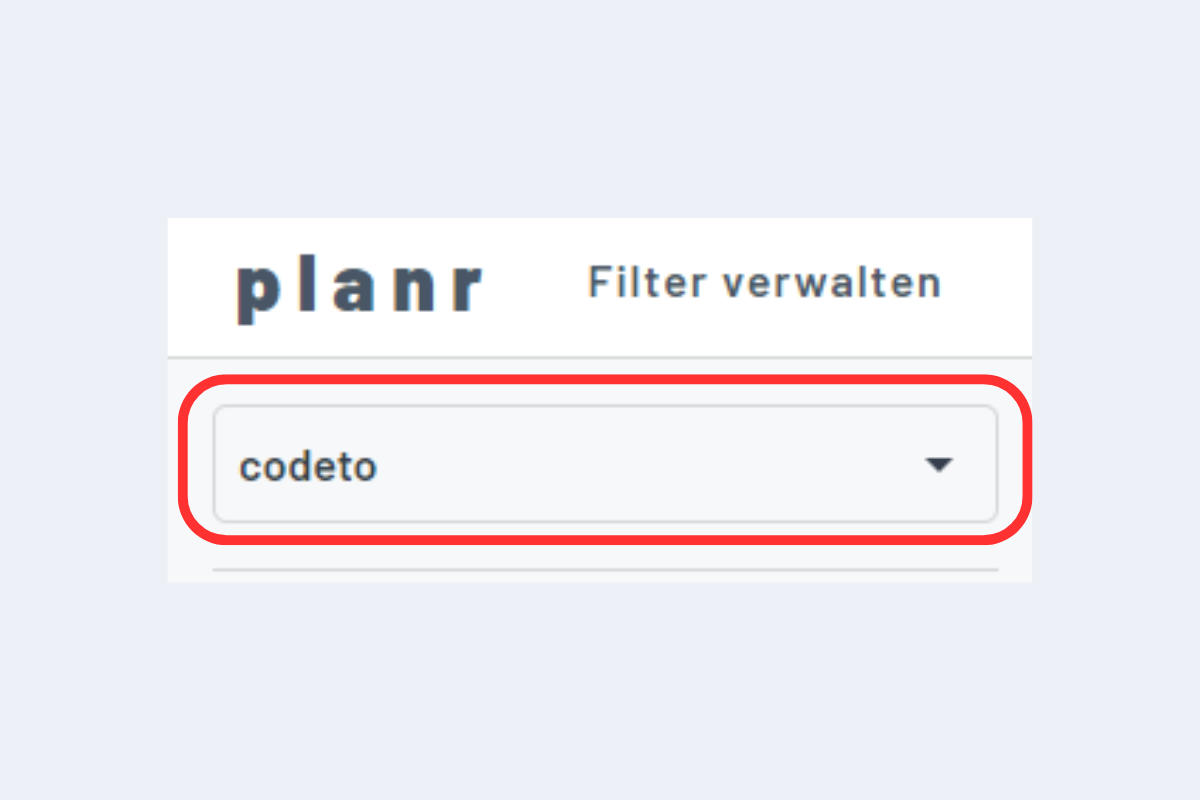
*If a person is responsible for multiple group companies and has access to each, they can switch between companies or display both at the same time, e.g., to view group-wide utilization.
User management
Login and user management (SaaS)
For smaller customers (SaaS), sign-in via Microsoft Active Directory is possible. In short: you can use your existing Microsoft login to sign in to planr.
- No personal email address? No problem: on request we create an
adgodeto.chemail address. - User management by us: if a new person needs access or a permission level must change, tell us – we set it up.
Switch companies in the UI
Enterprise: AD connection recommended
For Enterprise customers, we recommend an Active Directory connection so user management stays centralized in your IT:
info
Benefits: Single Sign-On with your Microsoft account, centralized role and permission management, smooth onboarding and offboarding.