Project phases
Projects can be divided into any number of phases. Phases help structure planning and assess utilization per phase more clearly.
Prerequisite: project start and end must be defined before phases can be added.
Add project phases
You can add phases when creating a new project or later in existing projects. Open the desired project – a window for editing the project data appears.
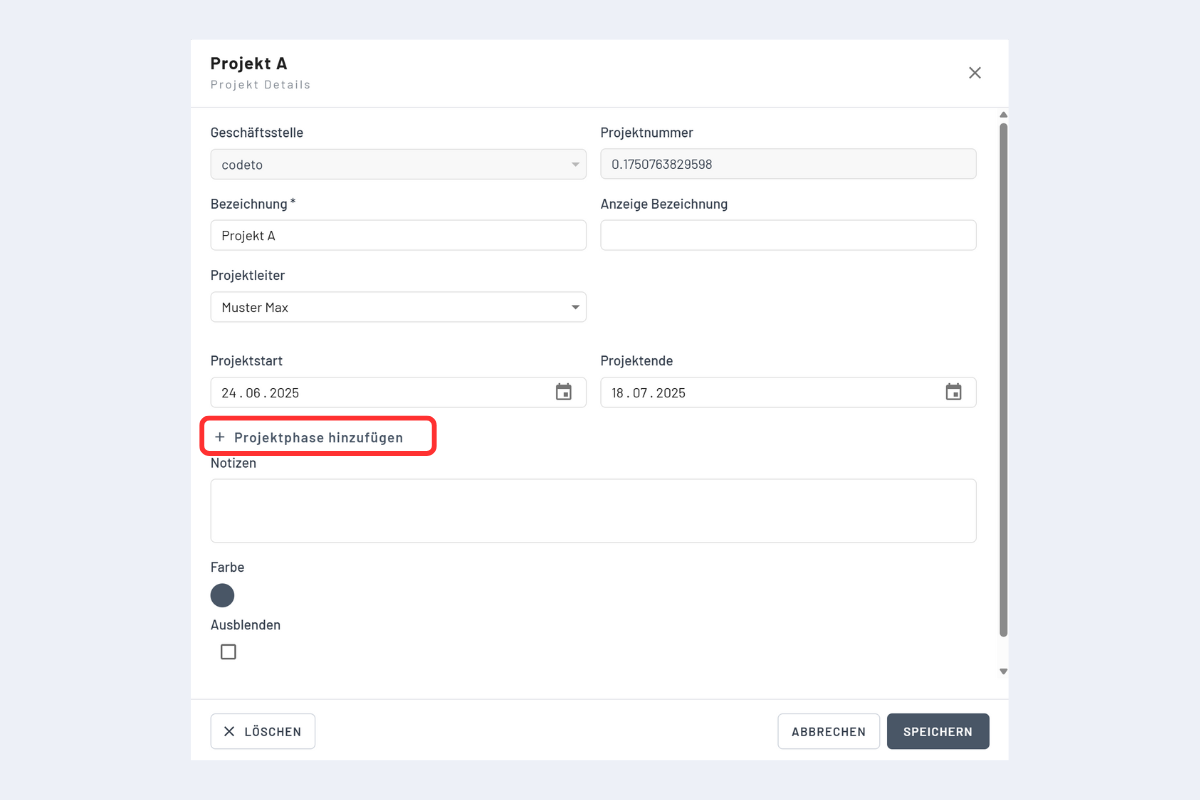
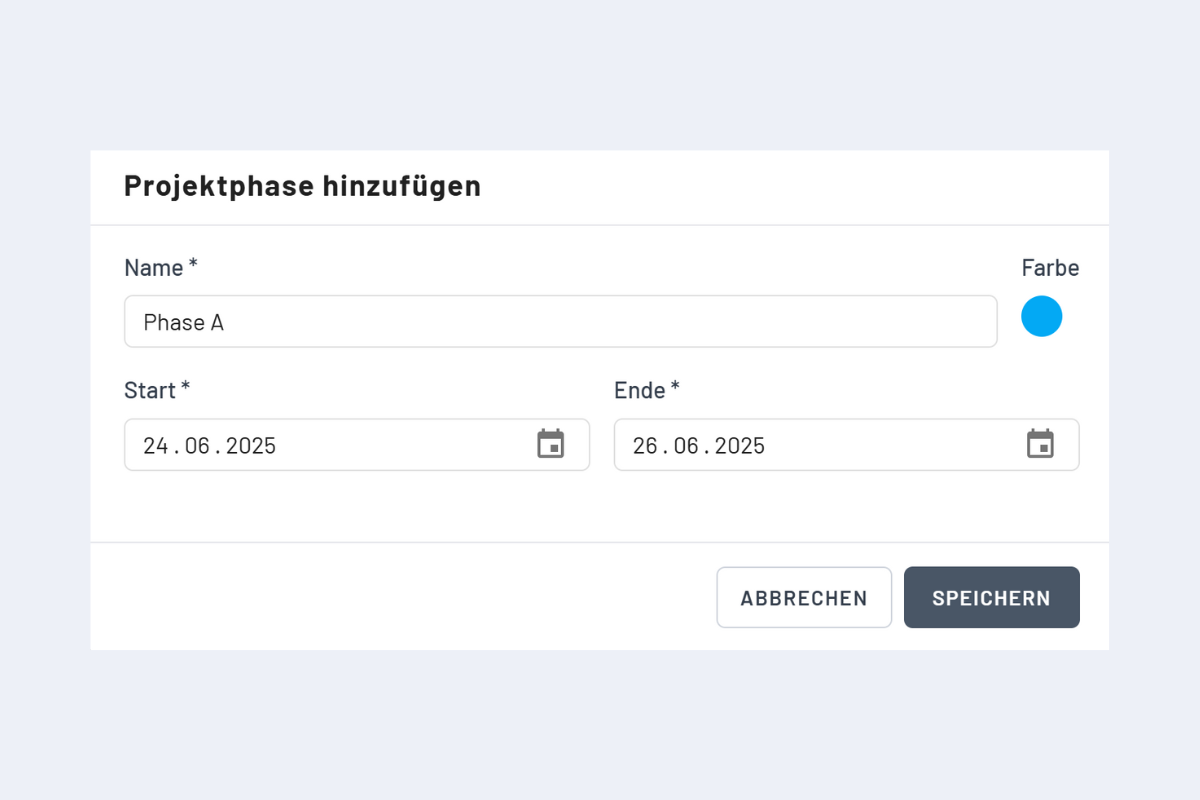
Guidelines:
- Phases lie within the project start and end.
- Phases must not overlap.
- Choose a distinct color for each phase so the display stays clear.
- Recommendation: define fixed standard colors (e.g., Phase A, Phase B, ...) to keep the display consistent.
Phase display
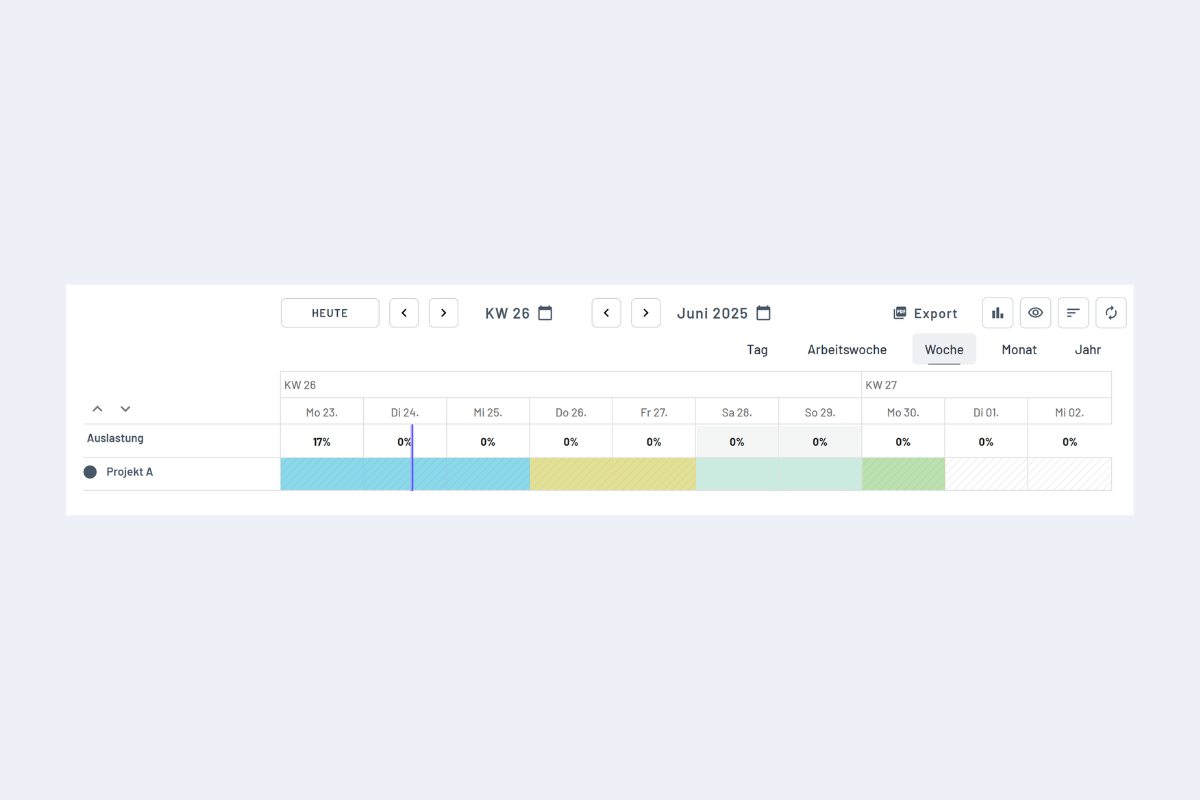
Check utilization by project phase
First capture all relevant bookings (employees and vacancies) on the project. Then you can check utilization per period in planr:
- in the top line (utilization in the first line), or
- in the utilization chart (week/month/year).