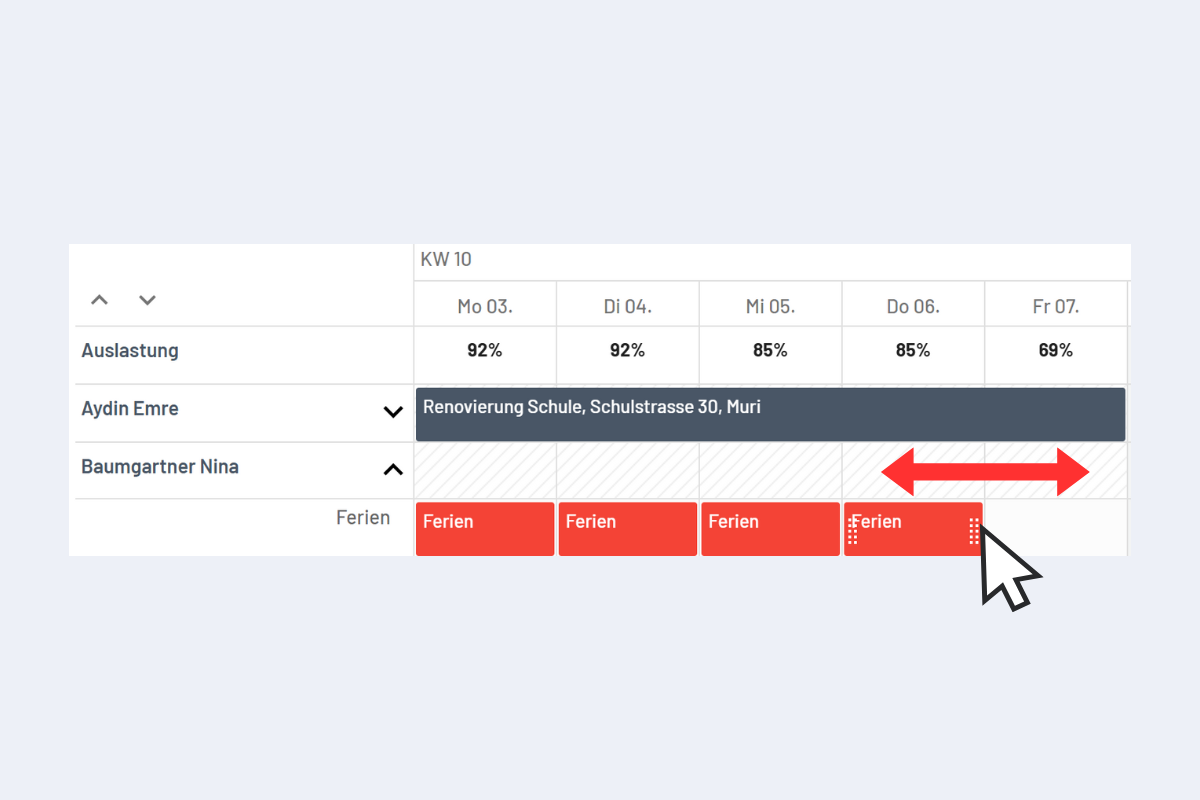
Change Disposition Duration with the Mouse
This information applies to all views (Employees, Projects, Service, Absences, and Work Equipment).
In the detail view (more on this in the chapter Views & Display Options / Detail View), the duration of a disposition can be edited as follows (see Fig. Extend Disposition Duration with the Mouse):
Move the mouse pointer to the beginning or end of the disposition. Hold the mouse button and drag left or right into the adjacent day or period to extend or shorten the disposition.